Monograms in weddings really took off in the nineties, when receptions started to grow sleeker and more personalized. Today, they’re still a very big trend. In some weddings, they’re a grace note sprinkled here and there. In others, they’ve expanded to become the actual theme.
And what’s not to love about monograms?
They’re elegant, understated, versatile, and a dramatic visual
reminder of your new life together.

Ways to Rock your Monogram
Getting an actual replica of a custom-designed monogram isn’t always easy. But if you’re willing to let that slide, you can find a monogrammed version of just about anything you’d ever imagine in weddings.
Like what? Well, stationery, ranging from save-the-dates and sticker seals to custom postage stamps. And in bridal attire, you’ll find them on bouquet wraps, garters and handkerchiefs, and embroidered onto gowns, inserts or trains.
More: Find Nautical Themed Favors | Popular Wedding Favor | Style Guide to the Nautical (Preppy!) Wedding
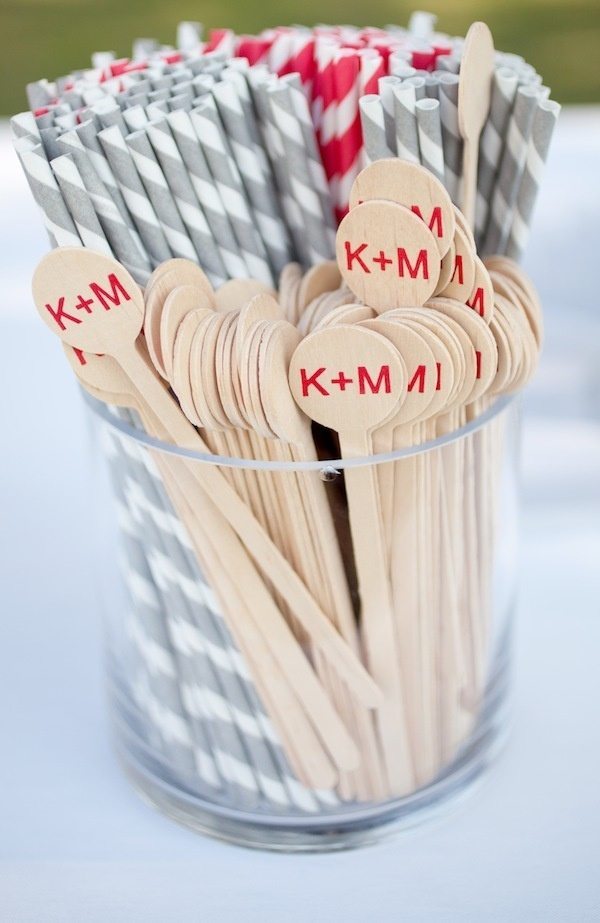
Ring bearer pillows are a popular way to bring monograms into the ceremony. So are unity candles, programs, guest books, floral wreaths and door banners. And the reception? You could conceivably add them to head table linens and chair covers, place cards and dinner menus, cocktail napkins, matchbooks and coasters, or custom-labeled bottled water or wine.
And that’s not to mention hand fans and paper parasols, specialty lighting, cakes and cake servers, and any number of favors ranging from monogrammed cookies to petits fours and personalized mini-notepads to shot glasses. Plus, don’t forget those personalized bridesmaid totes.

More Monogram Hot Spots
Couture Cakes
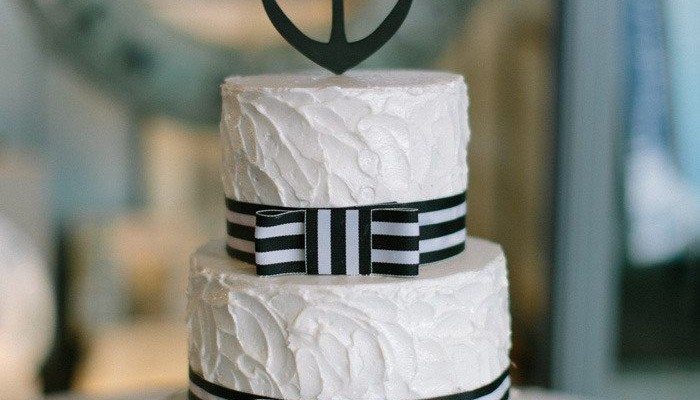
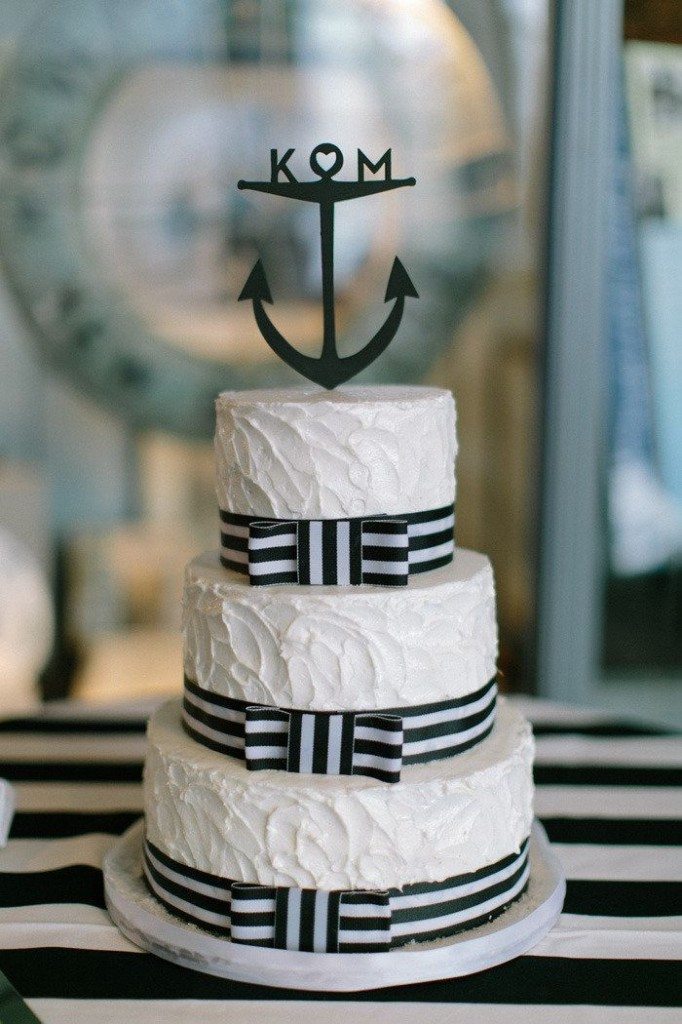
Of course, the wedding cake (being such a fabulous focal point) has seen a lot of monogram action over the years. Favorite treatments: embossed in icing, ‘glued’ on in chocolate or gumpaste, hand-painted with food coloring, or everyone’s favorite: in the form of spectacular cake toppers.
Hot toppers come in clear acrylic and wood, chrome and silver-plate. Some are elaborately covered in colored crystal rhinestones. Some rise to the heights of “cake jewelry.” Some are embellished with a nest of free blooms or flower petals, while others stand alone. And some couples choose just one letter to represent their new shared name, while others use all three.
But I Need More, More, More!
Okay: showcase your monogram in a backlit, elegant ice sculpture. Engrave it on toasting flutes. Hang pretty white wooden letters from the church door from ribbons in your wedding colors. Stamp away on luminary bags, out-of-town gift bags and favor box lids.
But How Do I Get a Monogram?
You make it! Many brides find they can “roll their own” using Microsoft Word or PowerPoint. If you’ve played around but don’t like the results, call on an arty friend who routinely uses Photoshop or Illustrator.
Design Your Monogram in Microsoft Word
Choose Insert ->
Textbox. Type and format the letter the way you like it.
Do this three times. Now click on all textboxes and choose Format->Textbox.
Choose Color: No Fill (so you can overlap
letters) and Line: No Line. Select all letters,
right click, and choose Group to lock in the arrangement. You can
now copy your image into Microsoft Paint and save in several formats,
such as JPEG.
More: Find Nautical Themed Favors | Popular Wedding Favor | Style Guide to the Nautical (Preppy!) Wedding
Design Your Monogram in PowerPoint
You’ll want to “Insert Text Box” to create your letters. Once you have a letter to your liking, select it and copy to create two more. Format them to your specifications. When you’re done, select all the letters, right-click, and choose Grouping->Group. Now you can click on your image and right-click for “Save as Image.” PowerPoint lets you save directly in a variety of useful formats like JPEG, PNG and TIFF. Or, watch this quick, simple how-to video.
 Style Me Pretty
Designing Details
The bride’s initial usually goes first in a monogram. When the bride takes the groom’s last name, the order is: bride’s first initial, shared last initial (usually larger), groom’s first initial. If the bride keeps her name, one option’s a four-initial monogram (bride’s first, bride’s last, groom’s last, groom’s first). Or just join the couple’s first names (Jenny & Mike).
Great Free Spots for Fancy Fonts
DaFont
Chank
Abstract Fonts
1001 Free Fonts
Maxing Out Your Monogram
You’ve got your own now — it’s hot. Naturally, you want to slap it everywhere. Where to start? Here are some popular options.
Monogram Wreaths and Banners
You can make beautiful free-hanging wreaths in the shape of your letters using wire, styrofoam or green floral foam, and silk flowers … or even moss. You can
also cut a heavy fabric like canvas or muslin into letters for your base, and hot-glue or sew silk flowers.
Rubber Stamp It
The custom monogram stamp is so very useful. Need a completely personalized design? Just get a super-high quality image of your monogram (try a friend who’s a whiz at Photoshop or Illustrator), and get something ‘bespoke’ for minimal moolah at a place like this.
 Pinterest
Aisle Runners
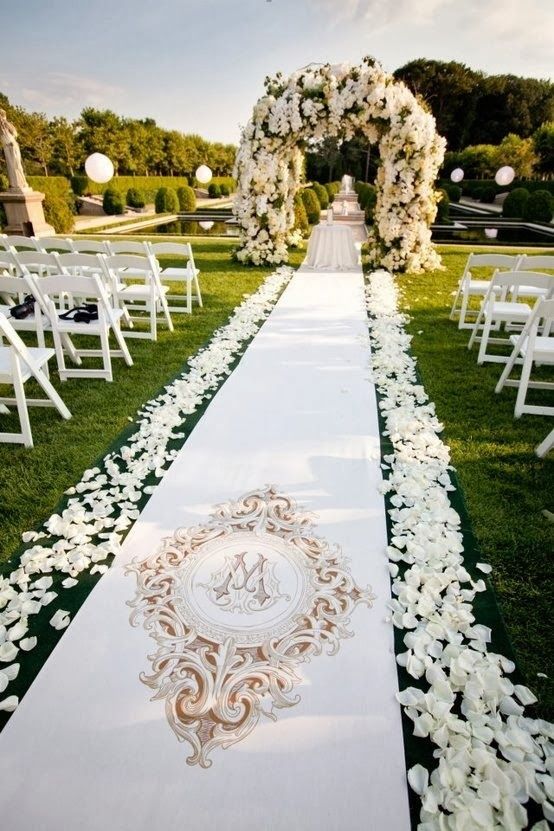
This is a really big-impact way to use a monogram. And plenty of online vendors are happy to whip one up — or you can do it yourself. Here’s how to start:
Have a sewing machine? Great, you can buy and hem the length of fabric you need for next to nothing. Now, gather some fabric paint, a pencil, an exacto knife and card stock. Then, decide where you want to place the monogram. Some runners feature it at the bottom, where the procession begins. Others choose the top, near the altar, or right in the middle. Some use all three!
Now print out your monogram and blow it up to life-size on a copying machine. If your fabric’s on the sheer side, you can now trace your monogram directly onto the fabric with pencil. Fill in with fabric paint, and you’re done.
Otherwise, tape the enlarged monogram onto the cardstock and cut out the shape with an exacto knife. Trace inside your new template lightly with pencil. Fill in with fabric paint. Follow the same procedure to make your own monogrammed table runners, or even chair covers.
More: Find Nautical Themed Favors | Popular Wedding Favor | Style Guide to the Nautical (Preppy!) Wedding
Dance Hall Days
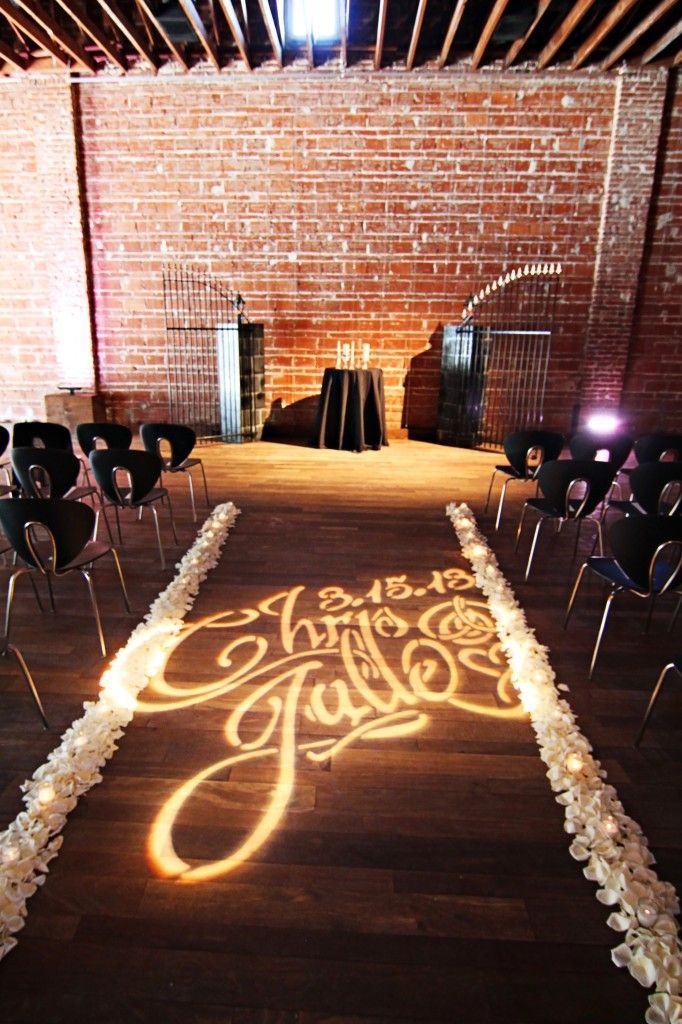
Fun lighting effects are some of the most dramatic ways to trot out a monogram. Specialists can project yours on the dance floor, or train it on the wall with theatrical uplights. To project a monogram, you (or your lighting crew) need a custom metal plate called a “gobo,” which you can easily find online for about $100. The tricky part: once made, you’ll then need special lights equipped with a pattern holder to use it. Sometimes your DJ or even your venue can either offer these, or help you find a source.
Trade Ideas
How are you using monograms in your wedding? Trade ideas, upload pics … and ask the hard questions, below!